 SDRmm
Start
Nodes and wires
Patch vs Rack, typed ports, auto-tuning Devices, and live edits.
On this page
Every signal and control path is a visible wire. The graph is a live workspace on the server shared by all connected clients.
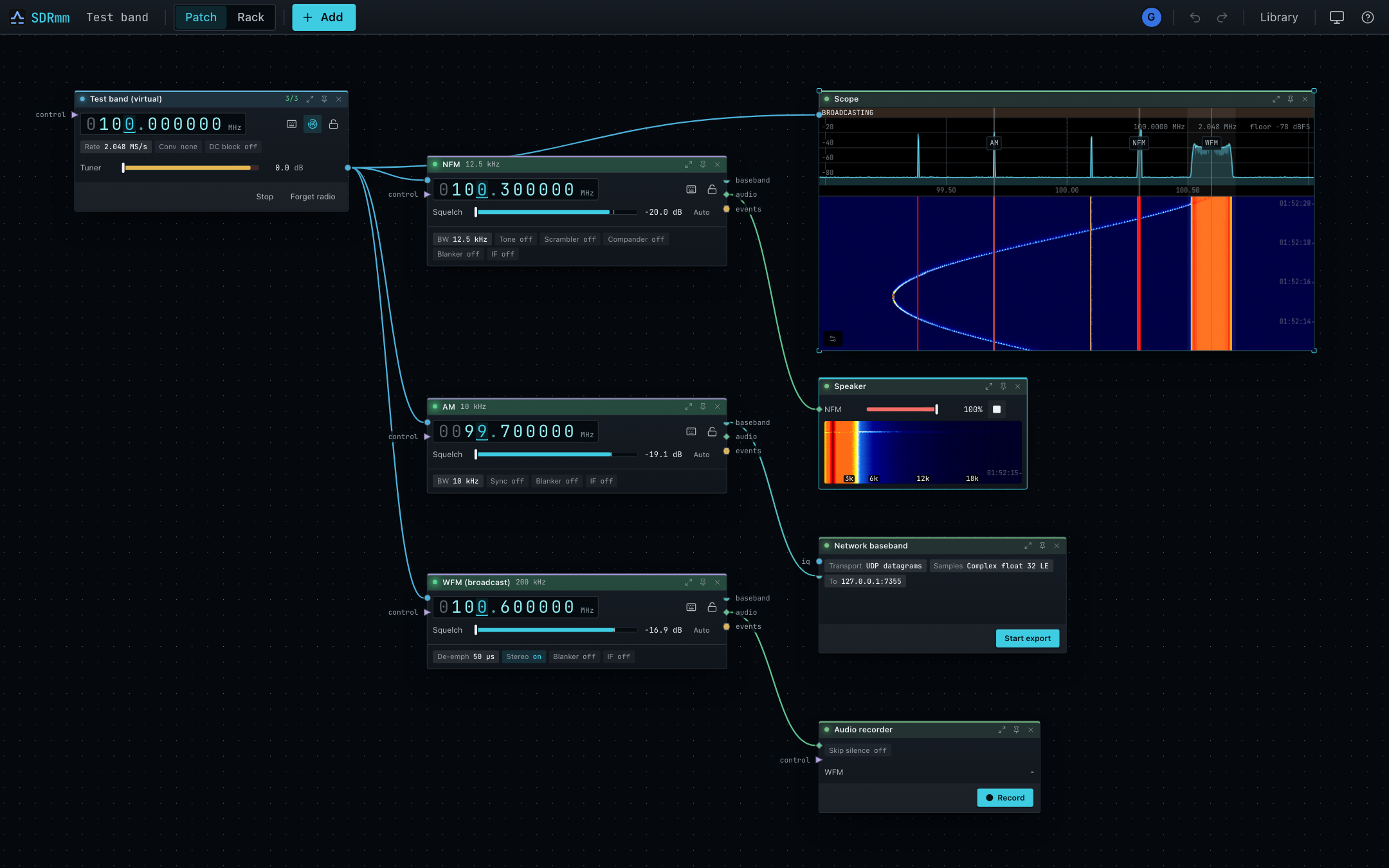
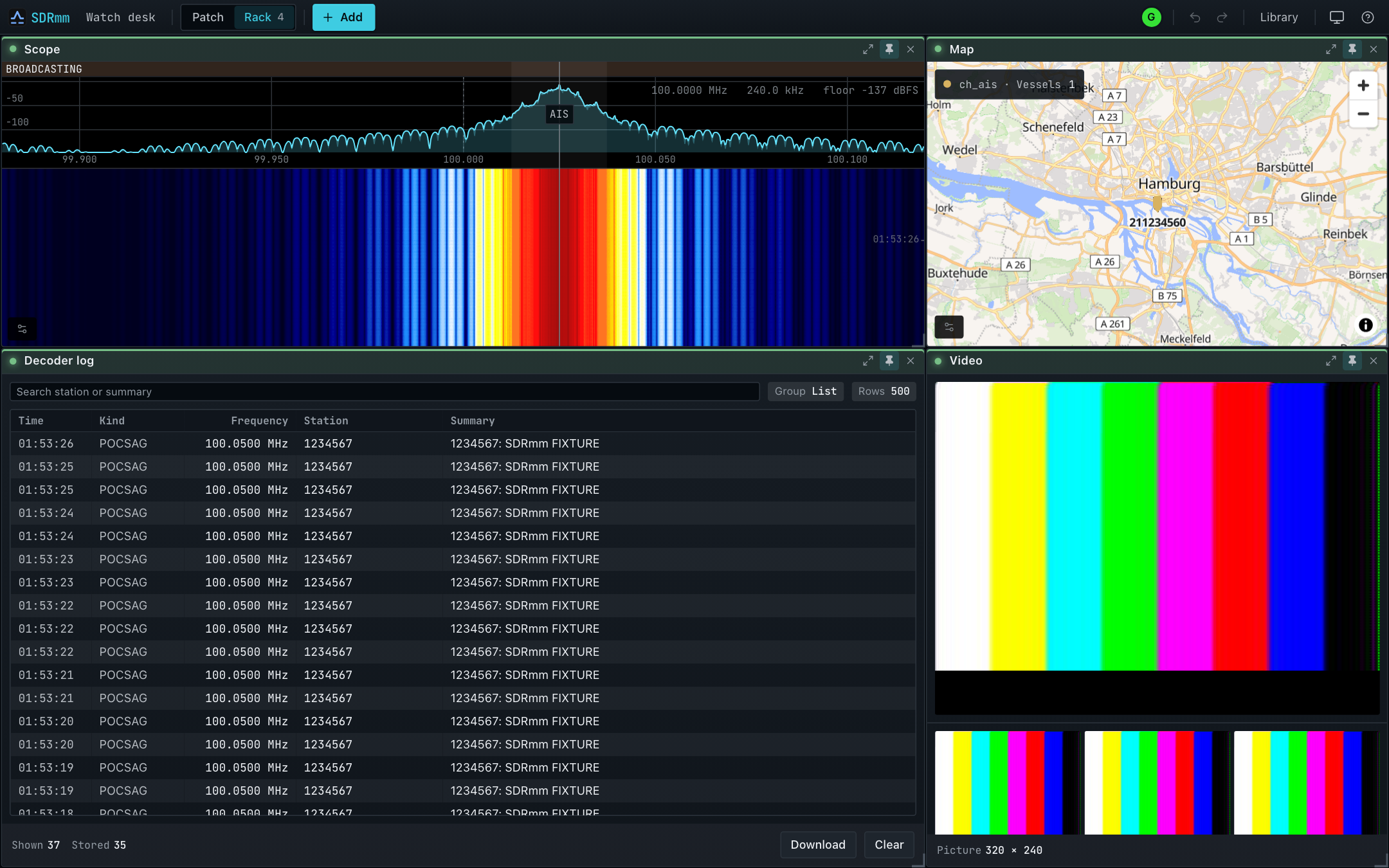
p to pin, v to swap).Ports
A wire joins an output to an input of the same type; the server rejects mismatches. Full node/port contracts are generated in Wires and what they carry.
| Port | Carries | Typical target |
|---|---|---|
iq |
Raw radio samples | Channel, Scope, Recorder |
baseband |
Filtered channel IQ | Baseband recorder, Network IQ, Transmitter |
audio |
Sound | Speaker, Audio recorder, Encoder |
events |
Decoded frames & call clips | Readout, Decoder log, Map, Event output |
video |
Video & still images | Video |
control |
Tune, point, & run commands | Channel, Device, Recorder, Rotator |
position |
Station location & heading | Map, Array, Satellite, channel |
array |
Aligned antenna lanes | Direction finder, Beamformer, Passive radar |
bearing |
Live bearing | Beamformer |
transmit |
Transmit baseband | Device |
Double-click or right-click the canvas to add a node at the cursor.
Devices and channels
- Tune channels, not the radio. On Auto, a Device moves its window to cover as many wired channels as fit while keeping its DC spike clear (
5/5green,3/5yellow,0/5red). See Tuning. - Sticky radio identity. Unplugging keeps the node and wires; replugging reconnects. Stop releases hardware to other apps; Forget radio frees the node for a different radio.
- Live edits. Changes apply immediately with no Save button. Empty ports indicate missing wires; red errors appear only for real faults.